What is a cookie?
A cookie is a small record that your browser stores for a website and sends back with subsequent requests. A site may use it to keep you signed in, remember a preference or run a particular service.
Website operator: legal name to be confirmed. Address: to be confirmed. Email for privacy enquiries: to be confirmed.
Technical cookies
In the private staff area, session cookies keep authorised employees signed in. They allow the server to recognise a staff member who has already logged in. Guests can browse the menu and submit a booking without signing in.
The club’s public pages do not contain advertising trackers or visitor analytics counters.
Maps and external links
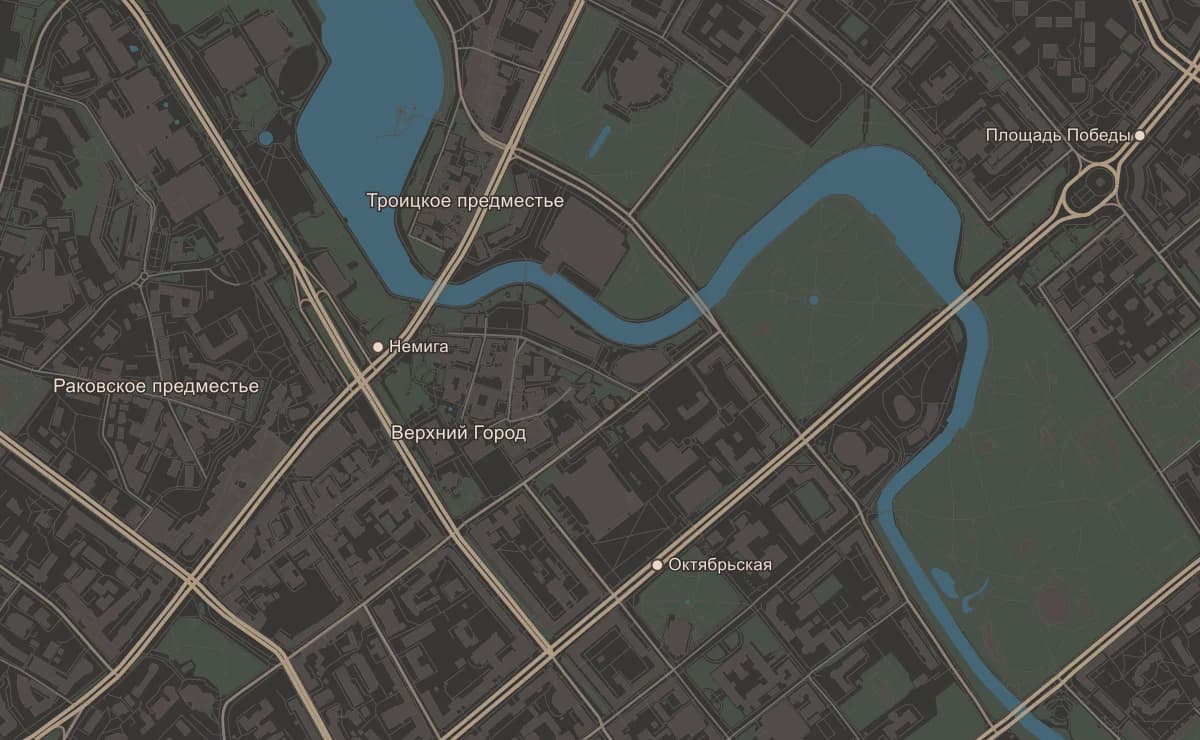
At first you will see a locally hosted map of Minsk. Selecting “Load interactive map” loads an external map service on the page. Your browser contacts that service and shares your IP address and technical request details. The provider may read or set its own cookies. The website does not send booking form data to the map.
Links to social networks, messaging apps and route planners open external services. They process technical information under their own policies.
How to manage your settings
Choose “Static map” below the map to keep the local preview or turn off the interactive map after enabling it. The website does not save this choice in a cookie. The local preview reappears when you reload the page. Your browser’s privacy settings let you inspect and remove data for individual sites and block third-party cookies. To remove cookies already set by an external service, use the settings for that service’s domain. Removing a staff sign-in cookie means the staff member will need to sign in again.
Website language
On your first visit, the website uses your browser’s language preference. If you manually choose Russian or English, a cookie called monte-language remembers your choice on this device for one year. You can switch languages in the menu or remove the cookie in your browser settings.